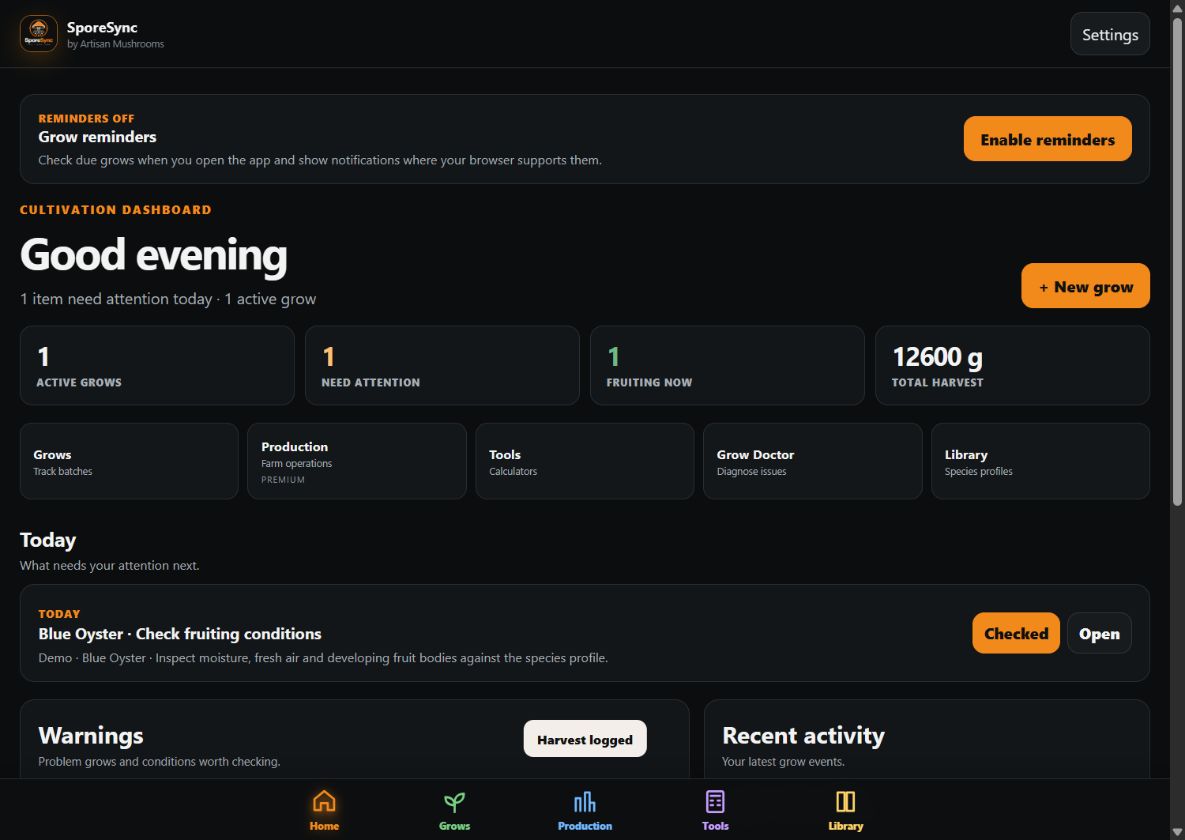
Daily grow dashboard
See active grows, today’s tasks, warnings, harvest totals and the next useful action at a glance.
SporeSync brings your mushroom grows, photos, conditions, cultures, units, QR labels and harvest results into one calm, practical workspace.
SporeSync follows the way cultivators actually work, from inoculation and colonisation through fruiting, harvest and the culture that started it all.
Real screenshots from the current beta, using a clearly labelled demonstration grow. Select a screenshot to view it at full size.
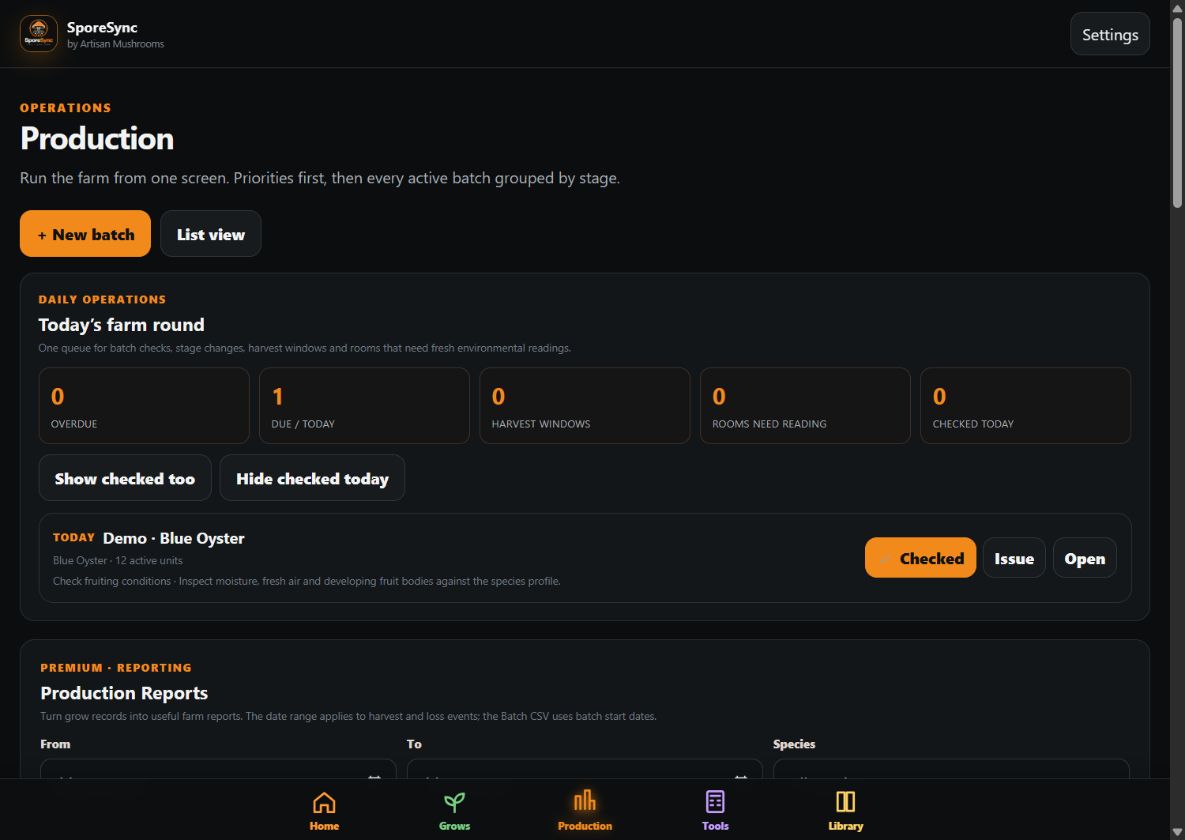
See active grows, today’s tasks, warnings, harvest totals and the next useful action at a glance.
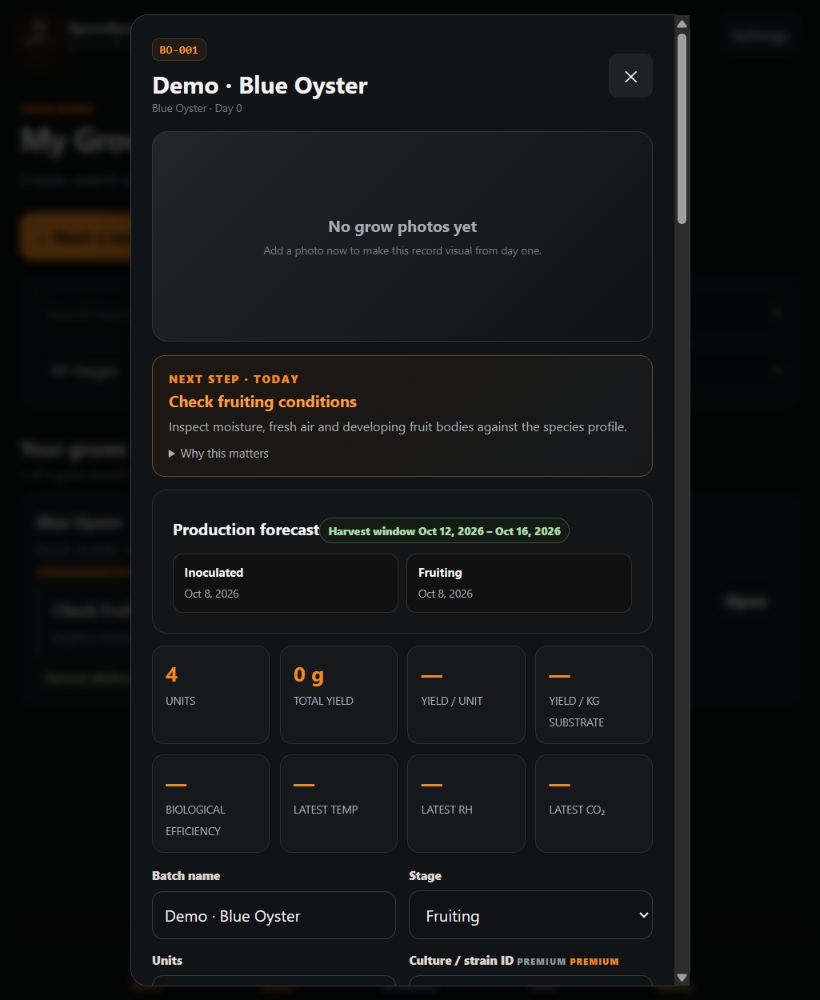
Keep photos, notes, stage changes, conditions, treatments and harvests together in one visual timeline.
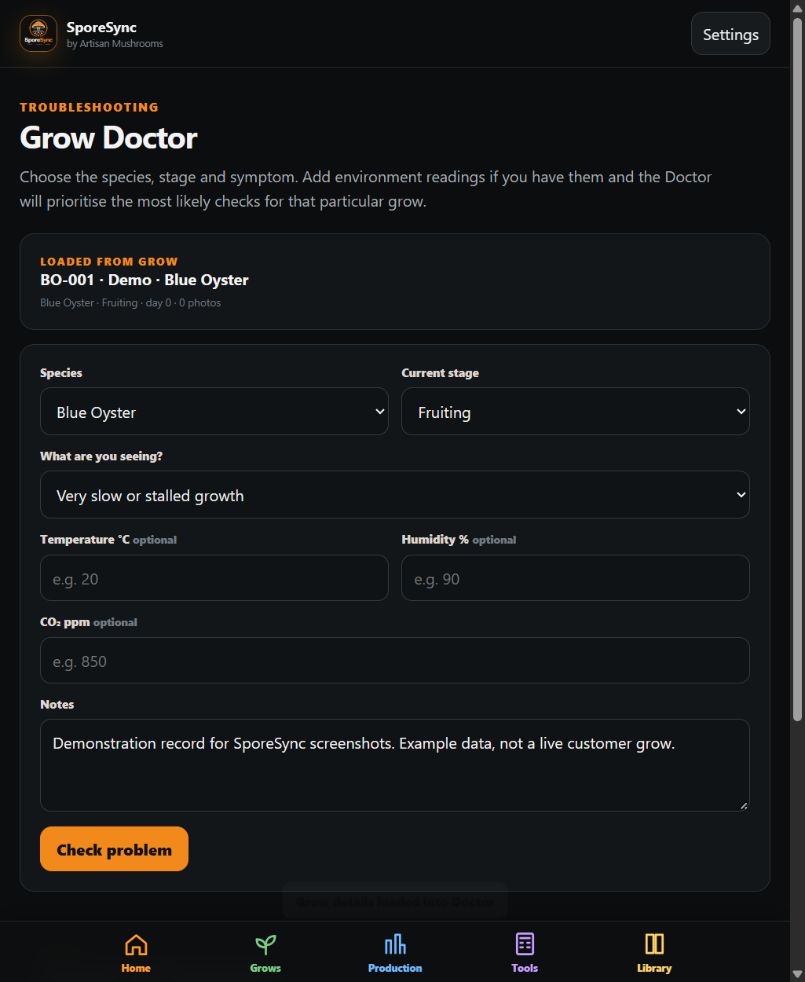
Open Grow Doctor from a record so species, stage, dates, notes and conditions are already part of the diagnosis.
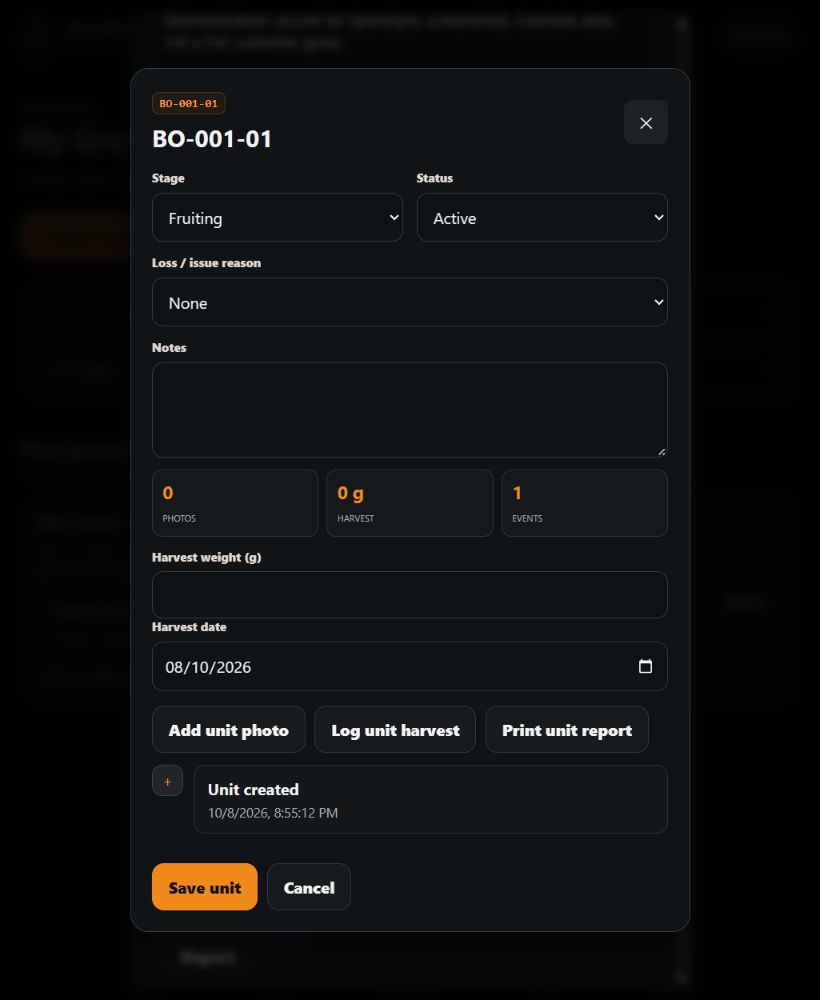
Give every bag, jar, tub or block its own stable identity, status, photos, harvests and history.
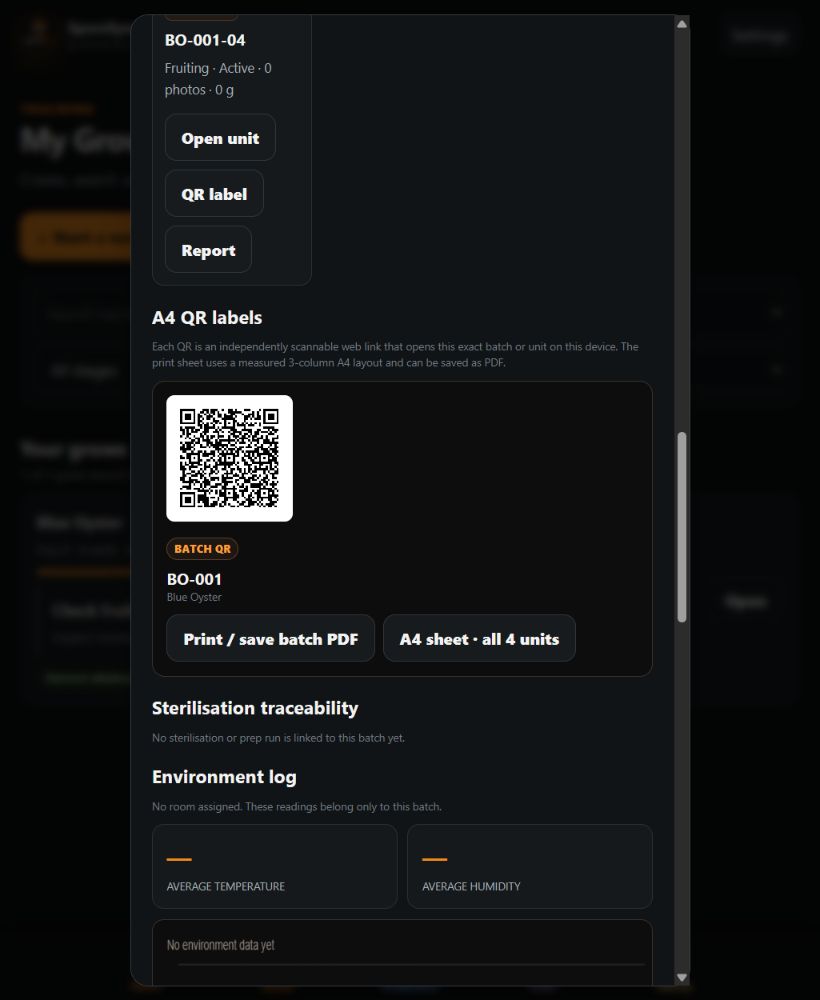
Print independently scannable A4 labels and complete batch or unit histories for tidy, traceable production.
Follow the relationships from master culture through liquid culture, grain spawn, fruiting blocks and harvest results.
Open the app to active grows, overdue checks, warnings, recent activity and the most useful next action.
View full-size screen ↗Track batch details, units, QR identity, conditions, yields and visual history without leaving the record.
View full-size screen ↗Diagnose from inside the record, with species, stage and existing observations already connected.
View full-size screen ↗Plan rooms, forecast harvests, manage individual units and keep professional traceability as you grow.
View full-size screen ↗Clear next steps and stage guidance without overwhelming terminology.
Compare notes, conditions, photos and harvest results across repeated grows.
Track batches, units, lineage, rooms, labels and reports with stable identities.
Premium tools are open during early access so real growers can test the complete workflow. Payments are not active yet, and we will give notice before standard plans begin.
No payment needed during beta. Paid subscriptions are not available yet.
Try Premium free during betaThis is public early access. If something is confusing, missing or broken, send a short note and include your phone model when relevant.
Send beta feedback →Yes. During public early access, growers can test the complete app, including Premium tools, at no charge. We will give notice before normal Free and Premium plans begin.
No. SporeSync works locally without an account. An account is only needed for optional cloud features.
Yes. Android users can download the signed SporeSync beta app directly from this page. Android may ask you to allow installation from your browser because it is not yet distributed through Google Play. On iPhone, open SporeSync in Safari and choose Add to Home Screen.
SporeSync is designed for gourmet and medicinal cultivation, with built-in guidance for popular species and support for custom grow records.
Your local records stay on your device. You can export a backup, and optional cloud sync is available when you choose to sign in.
No. It organises observations and suggests practical checks, but it cannot guarantee identification, food safety or cultivation outcomes.
Start with one batch. SporeSync will help you see what comes next.
Open SporeSync free →